Cut by reading
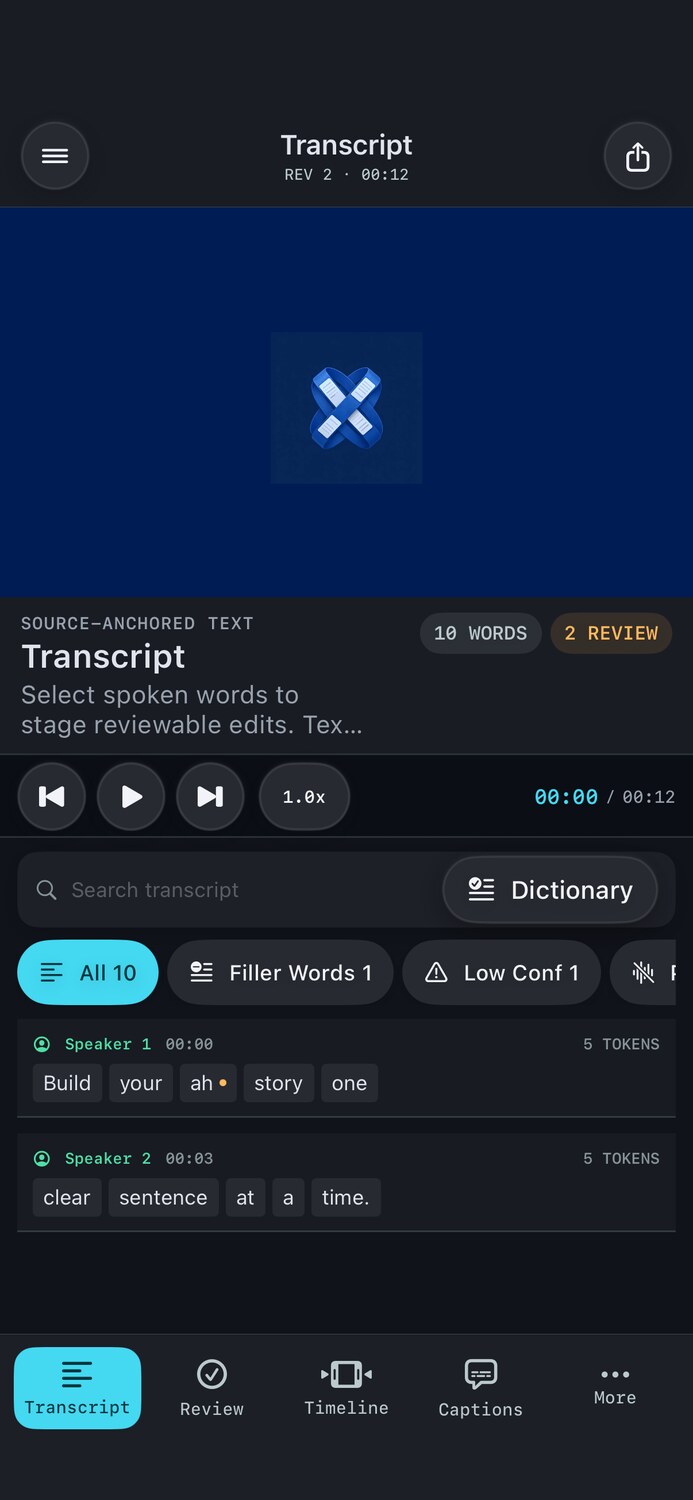
Seek by word, select a phrase, and send an exact source-anchored edit to Review.
Turn spoken video into an editable transcript. CueWeave finds the pauses and rough takes, but every cut waits for your approval.
The strongest ideas from transcript editors and timeline tools, rebuilt around a calmer rule: intelligence proposes; the creator decides.
Seek by word, select a phrase, and send an exact source-anchored edit to Review.
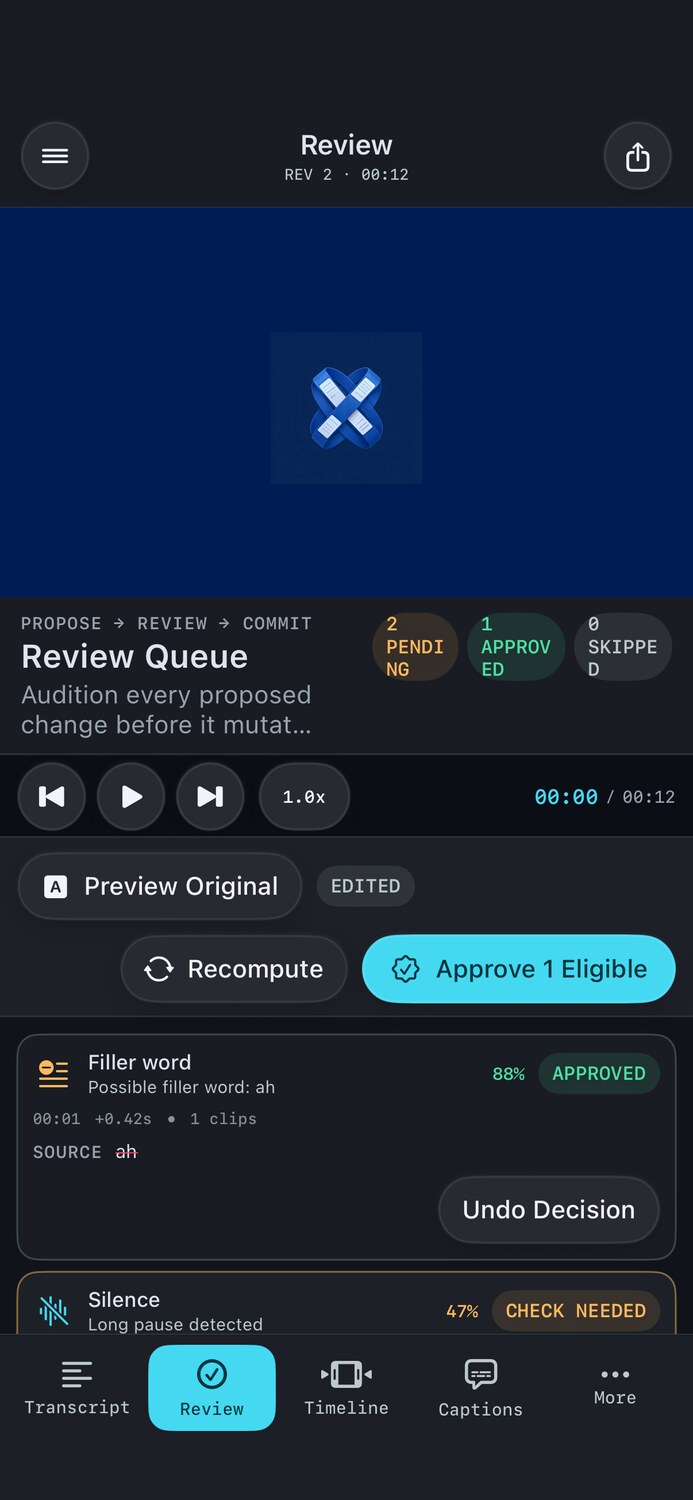
Silences and filler words remain proposals until you accept them. Undo is always one step away.
Projects, previews and exports stay on your Apple devices by default. Core editing never depends on an AI token balance.
From camera file to finished cut without bouncing between isolated cleanup utilities.
Bring in MOV, MP4 and compatible media from Files.
Generate word-level timing with Apple speech recognition.
Listen, accept, reject or undo each proposed cut.
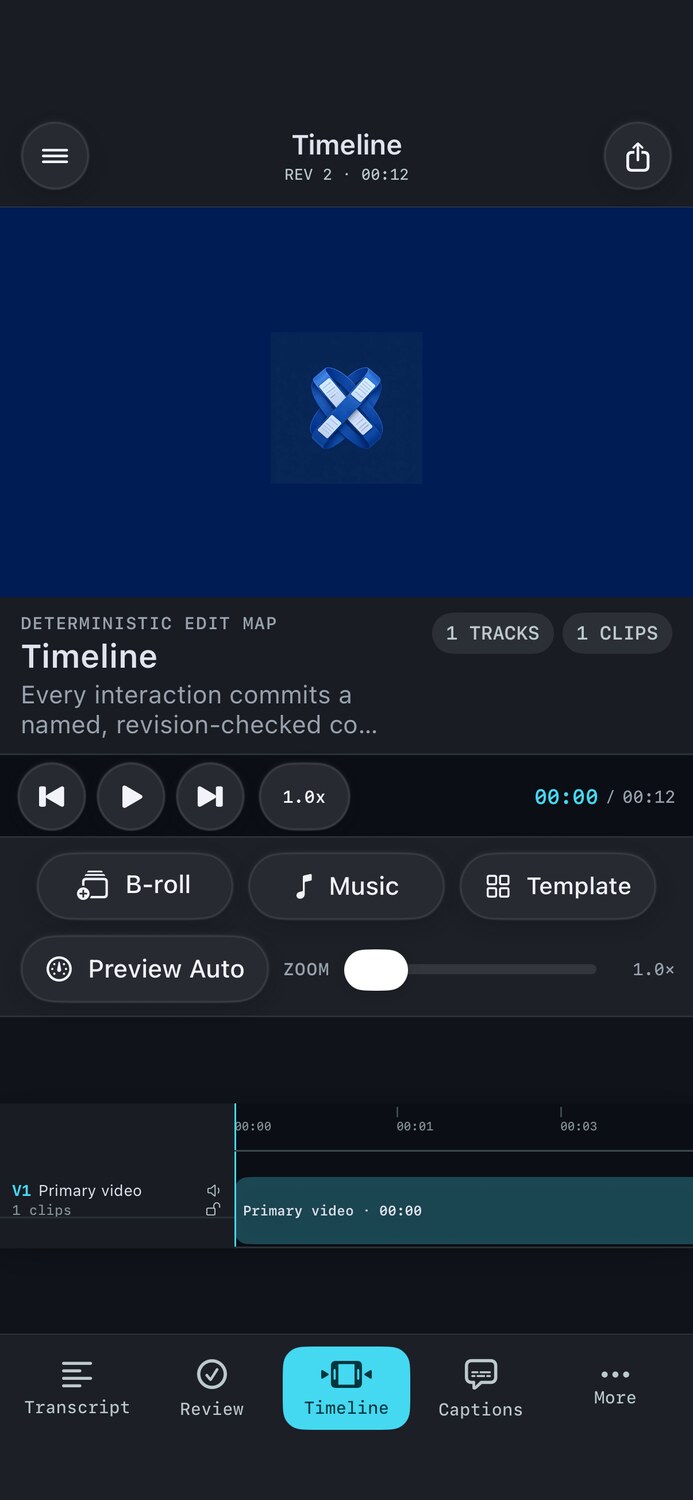
Render a real MP4 from the same non-destructive edit map.
CueWeave has no advertising SDK and does not sell personal data. Imported media and project files are stored locally. Speech recognition behavior depends on Apple system availability and your selected language; CueWeave does not operate an upload server for your media.