Screen, window or region
Capture video, system audio and microphone input with pause and resume on one shared clock.
Record the screen, system audio and your voice. Screenwright turns clicks into smooth close-ups, keeps captions with every word, and carries the result through one precise timeline.
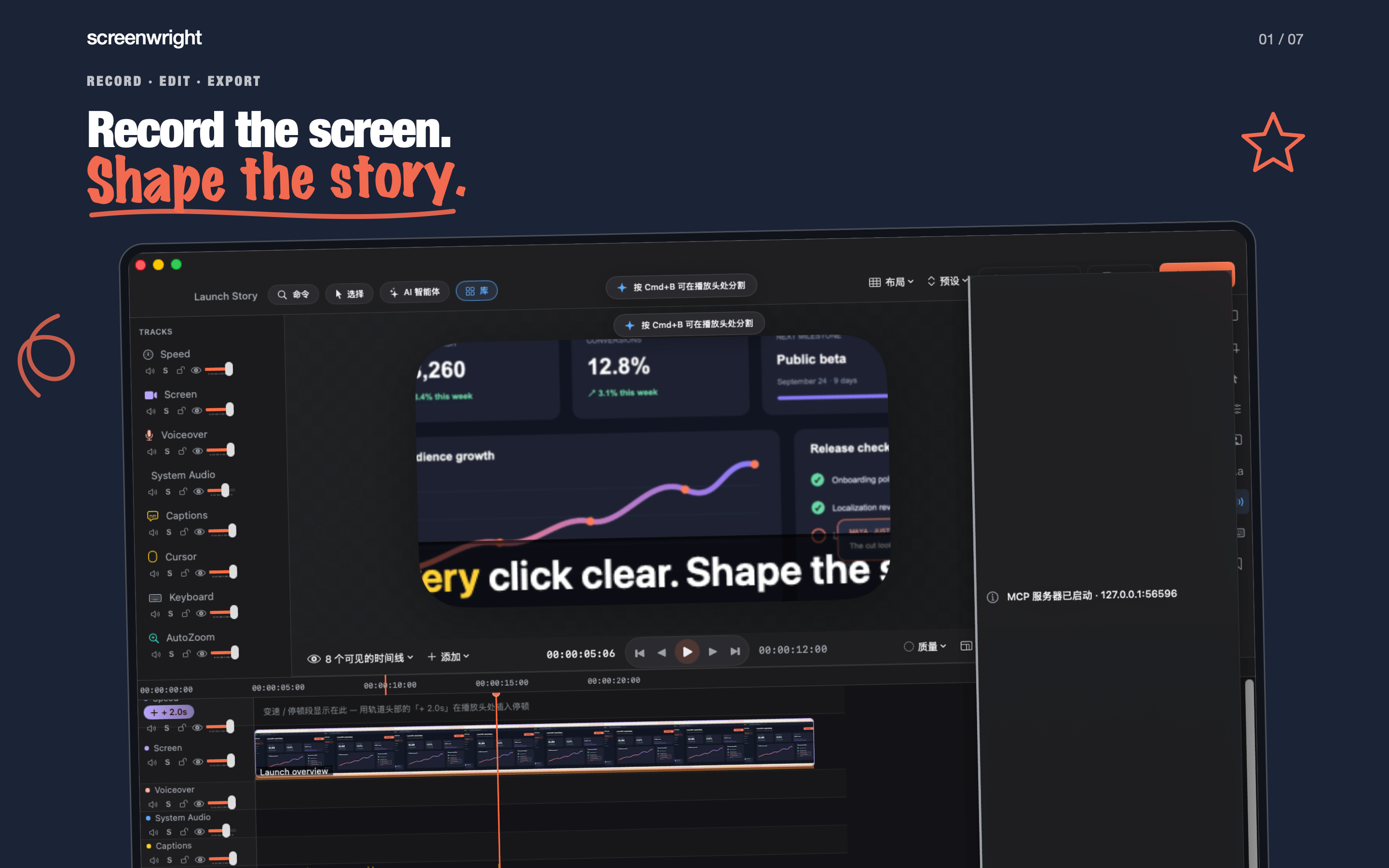
The recording and the intent behind it live together: video, pointer, keystrokes, focus, captions, markers and audio stay editable inside the project.
Capture video, system audio and microphone input with pause and resume on one shared clock.
Turn real clicks and focus changes into smooth close-ups, then move any target exactly where the story needs it.
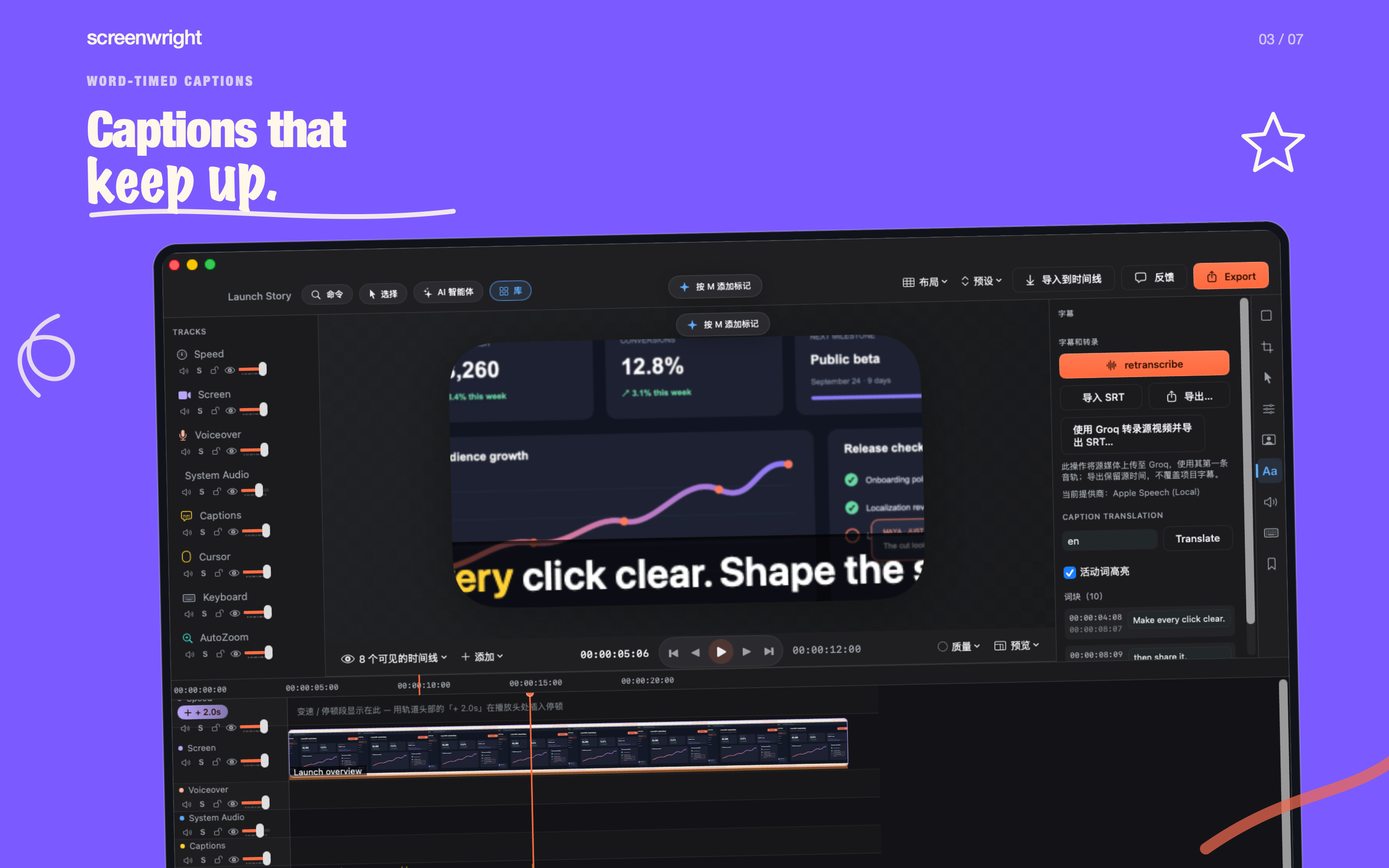
Transcribe, format and highlight the active word through the same path used by the final video render.
Separate microphone and system audio, reduce noise and duck competing sound when speech is active.
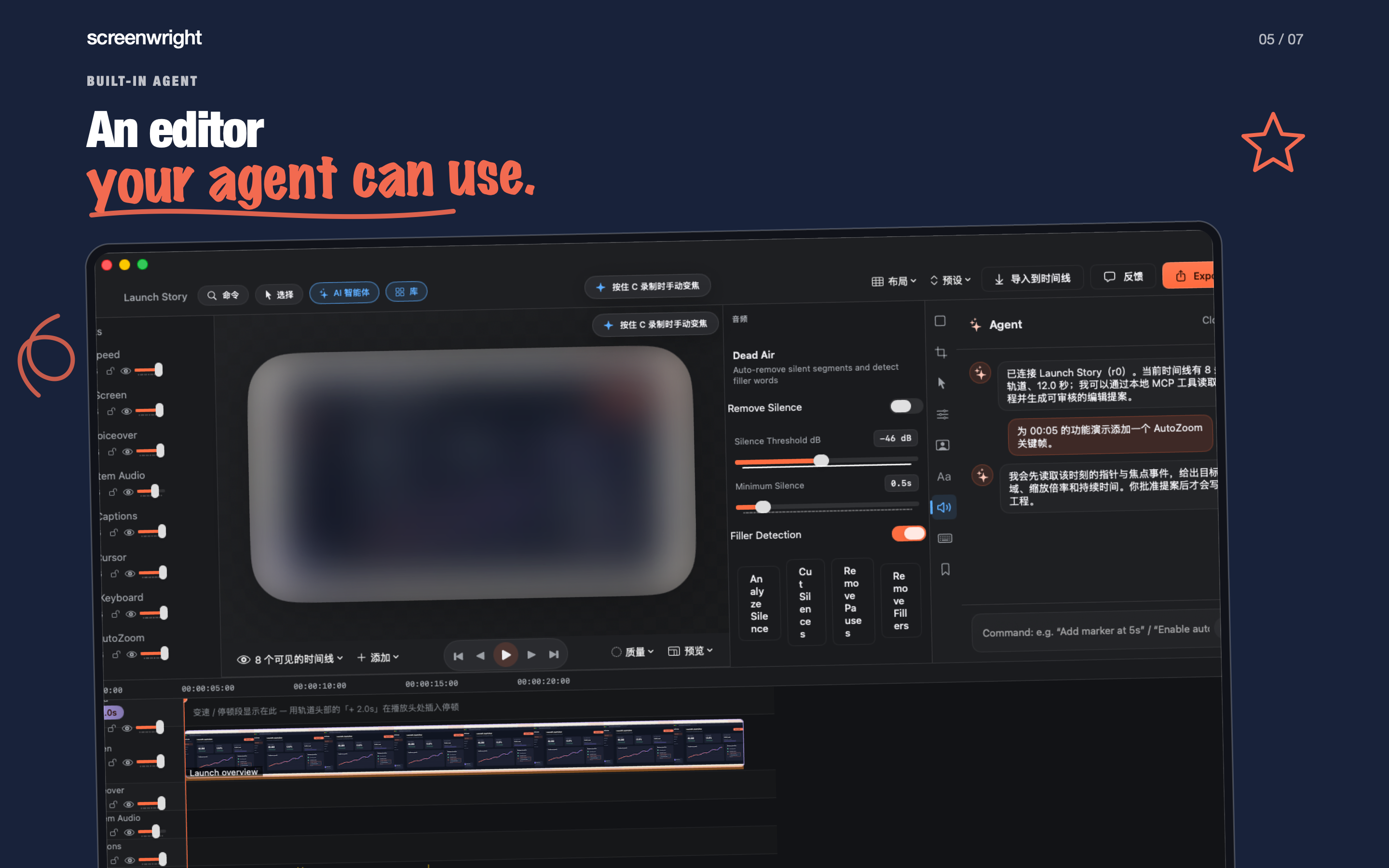
Ask for timeline, canvas and layout changes. Destructive actions remain proposals until you approve them.
Export video, captions, snapshots, audio, GIF, ProRes, SOP documents and portable project packages.
Screenwright Pro Lifetime unlocks ProRes, MP3, FCPXML, SOP and portable project package exports for every future session. Family Sharing is enabled.